Best Video Editing Software 2025
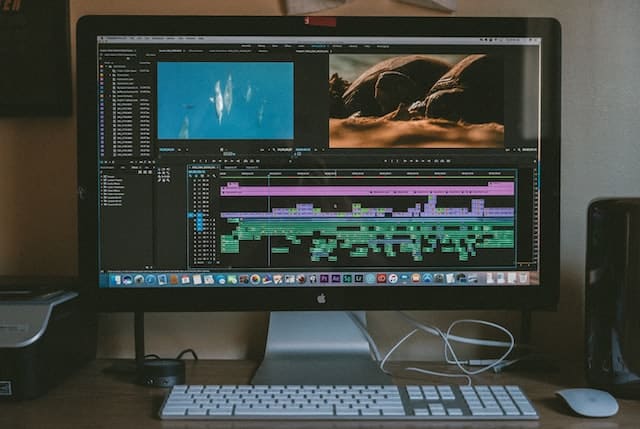
In 2025, video editing is at the center of content creation. Editing tools are needed whether it is to make a film, create an online tutorial, market, or do a personal project. Whether it is the high end professionals or the social media hobbyists, users now demand powerful features, easy workflows and wide format support.
Video editing software landscape comprises free and paid software, subscription-based services, and offline desktop software. Each of the software has its own audience and it has its own trade-off between usability, performance, and control.
This paper gives a detailed comparison of seven of the most popular video editing software in 2025: Adobe Premiere Pro, Apple Final Cut Pro, Apple iMovie, DaVinci Resolve Studio, CyberLink PowerDirector, Movavi Video Editor, and AVS Video Editor. These tools are different in their scope, yet all of them have basic features such as timeline editing, effects, and exporting.
Adobe Premiere
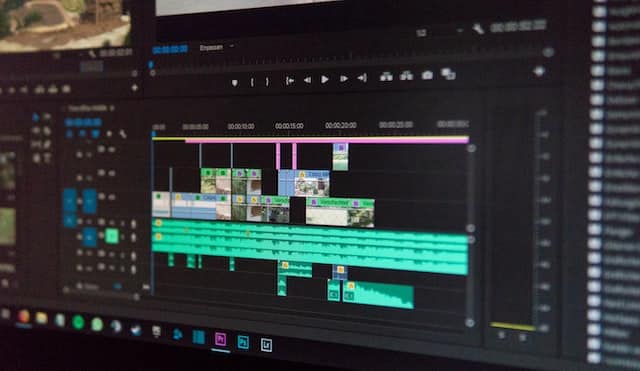
In 2025, Adobe Premiere Pro remains a professional editor of industry standard. It has multi-track editing, high-end color correction, audio mixing, and compatibility with other Adobe Creative Cloud products.
In Premiere Pro, users can edit in high-resolution, such as 4K and 8K. The software is HDR workflow, proxy editing, and GPU acceleration. It has an elastic timeline that provides nested sequences and real-time playback of large projects.
In 2025, Adobe has enhanced AI-based features in Premiere Pro, including auto-reframe, transcription, and scene detection. These characteristics are time-saving in editing and the work process is accelerated.
The software is compatible with Windows and macOS and has cloud syncing. It is however subscription-based and the user needs to renew his license on a regular basis.
Premiere Pro is ideal when editing film, broadcast and corporate projects that demand professional level tools and high-end control of output.
Apple Final Cut Pro
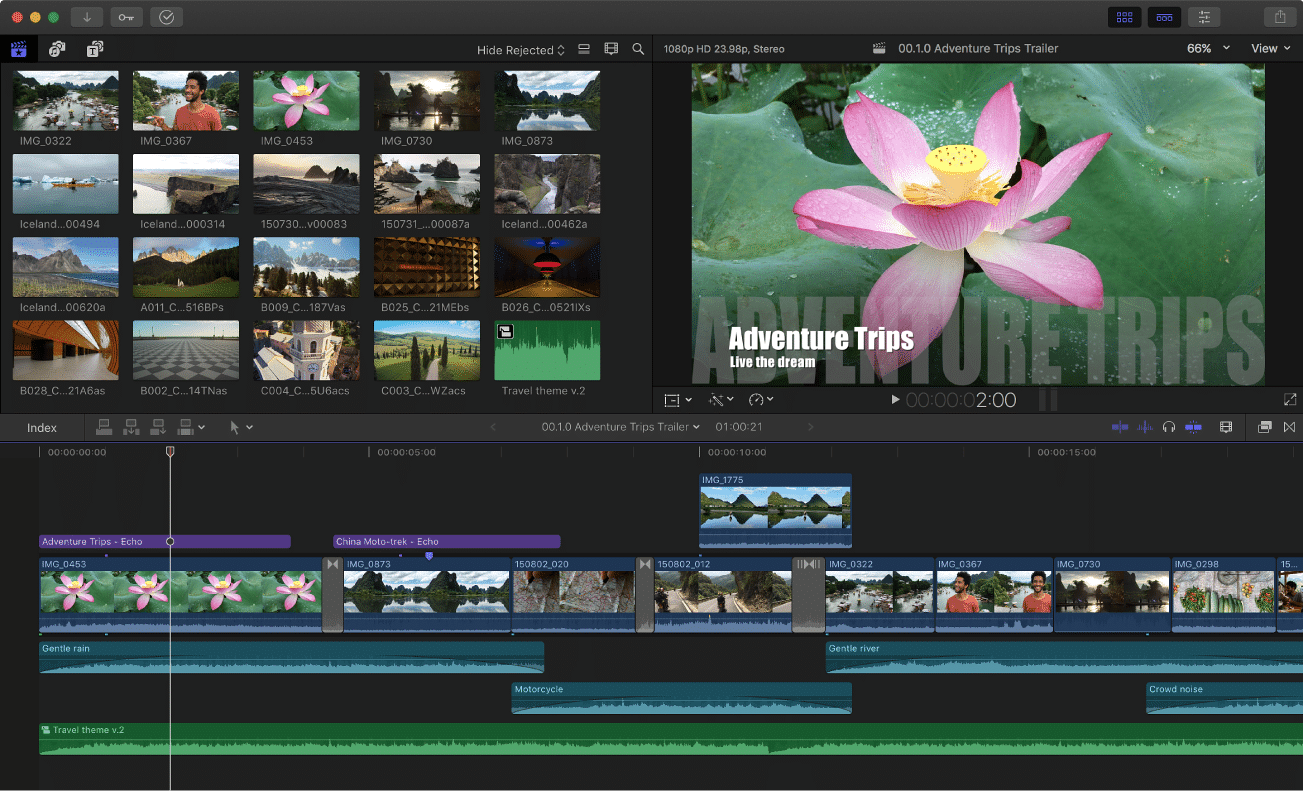
Final Cut Pro is the professional video editing program of Apple on the macOS. It is also Apple silicon-optimized, with a smooth performance and quick rendering speed. Its interface is contemporary and employs magnetic timeline, which makes arranging clips easier.
In 2025, Final Cut Pro supports HDR, 360-degree video, and advanced color grading. It also offers multi-cam editing, smart conform and audio tools. The latest changes added machine-learning object tracking and auto-cropping tools.
Final Cut Pro is a one-time purchase and therefore it is cheaper than the subscription services. It is compatible with the Apple Motion and Compressor apps to customize the graphics and export.
It is remarkable in its performance on MacBooks and desktop Macs because of its deep hardware integration. It works with ProRes, HEVC, and numerous other native Apple formats.
Final Cut Pro is ideal to Mac users who want a good compromise between performance and professional features.
Apple iMovie
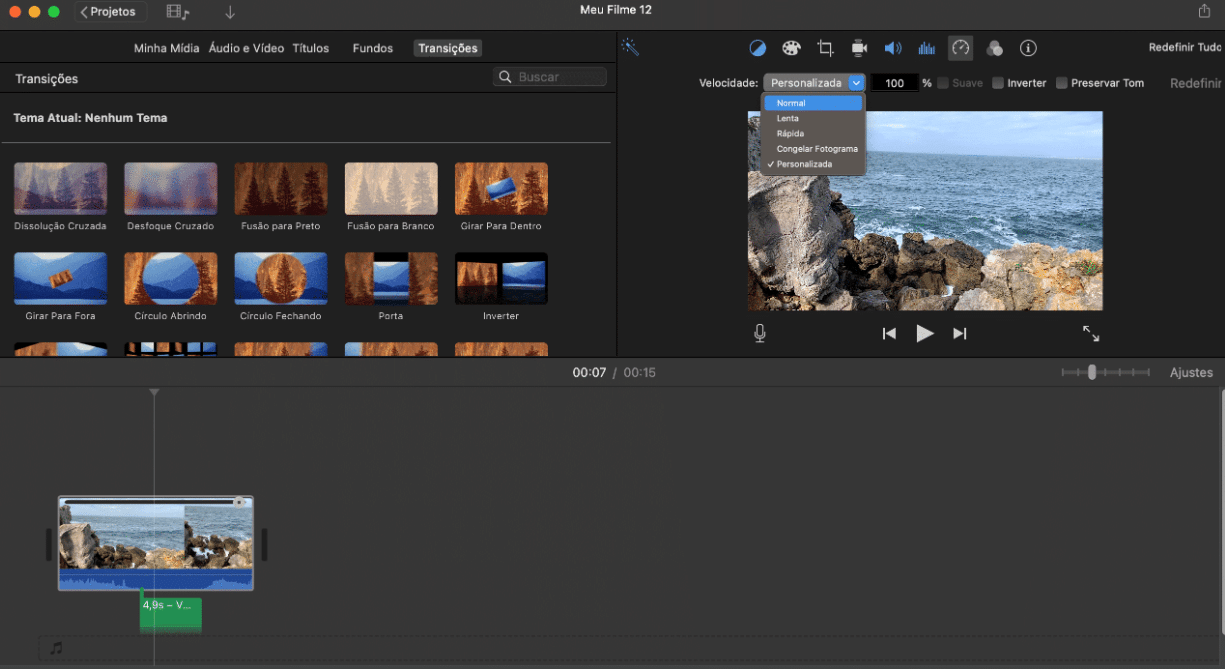
iMovie is Apple video editor for novices and amateur users. It is pre-installed on macOS and iOS. The interface is easy to use and it aims at assisting the user to produce a professional video with little effort.
In 2025, iMovie has 4K video, cinematic transitions, and automatic trailers. It has templates, filters, and audio tracks that can be used in simple storytelling. It is easy to drag and drop clips, trim contents, and apply effects without any advanced knowledge.
Final Cut Pro can be used to continue editing iMovie projects. This is why it serves as a good starting point to users who can eventually upgrade to more sophisticated software.
Although it does not have professional functionality, iMovie supports most popular formats and can be exported in standard resolutions.
iMovie is the most suitable when it comes to beginners or students or anyone who requires basic editing tools on Apple devices.
DaVinci Resolve Studio
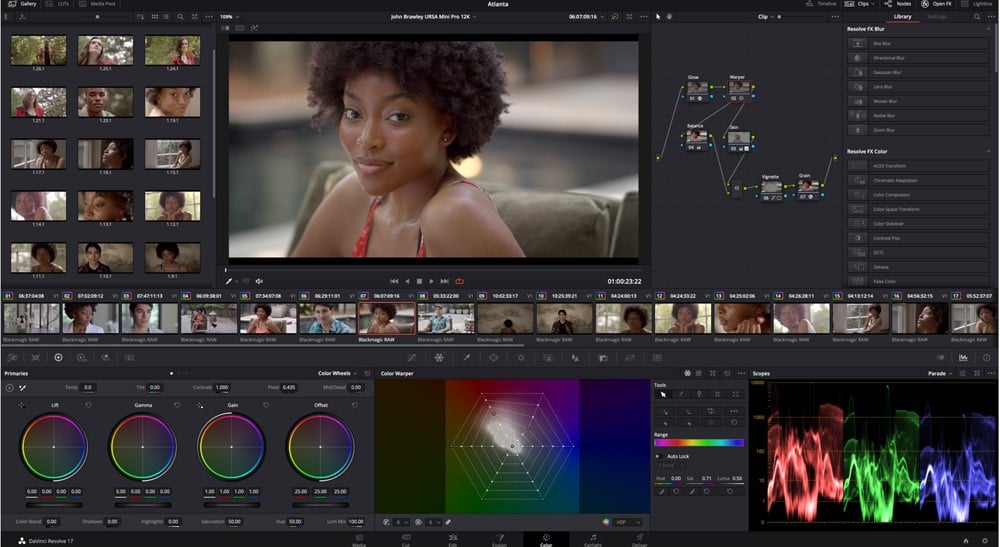
DaVinci Resolve Studio is an all-inclusive editing system that includes cutting, color grading, visual effects, and audio post-production. It runs on Windows, macOS, and Linux, and is common in the film and television industry.
The editing interface of Resolve allows using a multi-track timeline, multi-cam editing, and advanced trimming. Fusion module supports motion graphics and visual effects, and Fairlight supports audio with professional mixing.
In 2025, Resolve Studio has AI-based editing, face recognition, and speech-to-text captioning. Its color grading capabilities are still the best in the industry, supporting HDR10, Dolby Vision, and RAW workflows.
Resolve comes in a free version with limited features and Studio is a one-time purchase. It is not a subscription based program.
This software suits those professionals who require a complete post-production tool with no need to use two different tools.
CyberLink PowerDirector
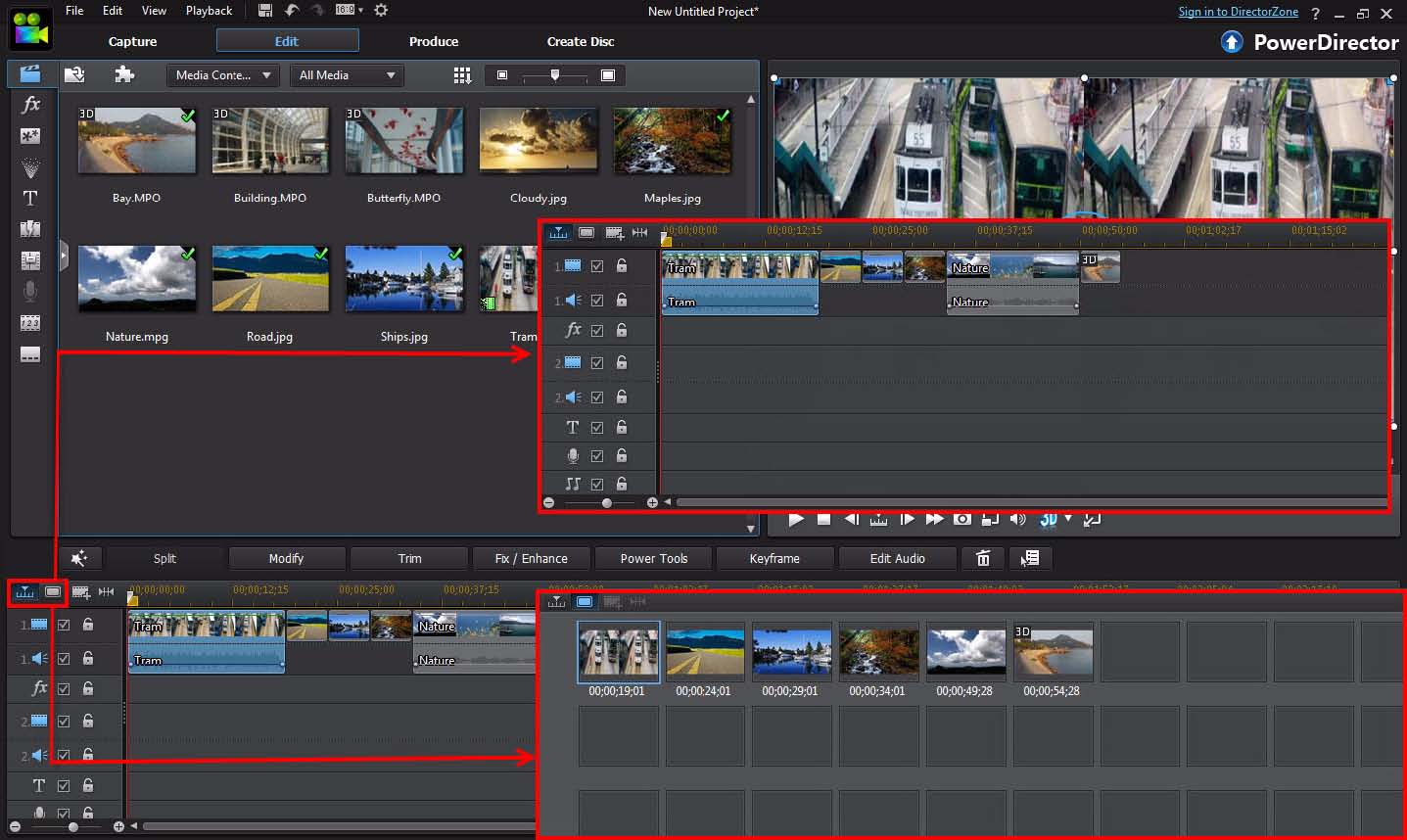
CyberLink PowerDirector is a video editor designed to be used by consumers and is available on Windows and mobile. It has a friendly interface that has drag-and-drop editing and workflows that guide novices.
PowerDirector has 4K editing, motion tracking, chroma key, and keyframe animation. In 2025, voice enhancement, sky replacement, and object detection are AI tools that have enhanced the editing process.
The software provides hundreds of effects, transitions and templates. It also has audio tools to delete noises and mix. Export presets have a variety of devices, including social media.
PowerDirector can be purchased on a one-time basis or on a subscription. The premium package includes cloud storage and access to stock media.
PowerDirector is most suitable to casual users and content creators who want a quick and easy video editing tool that has creative capabilities.
Movavi Video Editor

Movavi Video Editor is a simple application that can be used by novices and non-professional users. It is a Windows and macOS application that provides a balance between ease of use and creative control.
Movavi has various tracks of video, audio, and text editing on the timeline. It has pre-made intros, transitions and effects. Movavi has introduced AI background removal, automatic slideshow generation, and motion tracking in 2025.
Its interface is simple and new editors can easily acquire basic tasks. The rendering engine is optimized to be fast and export options include all common formats.
Movavi lacks more professional functions such as RAW support or color grading. Nevertheless, it can be trusted to make social media clips, presentations, and family videos.
It is most appropriate to those users who desire an easy editing process with no complexities or professional settings.
AVS Video Editor

AVS Video Editor is a windows program that targets basic to intermediate users. It facilitates editing of timeline with necessary functions of cutting, trimming, merging and inserting text or effects.
AVS is HD and 4K video capable and has more than 300 effects and transitions. By 2025, the software has enhanced GPU acceleration and preview speed of the projects. It enables the user to export to various formats or burn to DVD.
There are also voiceovers, subtitles, and screen recording tools in the program. It is reliable and provides a steady experience, even on weaker hardware.
AVS is based on a one-time payment system or yearly license. It lacks more advanced features such as color grading or audio mixing suite, but it performs basic editing tasks quite adequately.
AVS Video Editor is most suitable to users who are interested in stable editing without spending money on complicated software or bulky programs.
Conclusion
By 2025, the market of video editing software provides a solution to almost any kind of user. Adobe Premiere Pro and Final Cut Pro are perfect applications to the video production professionals. DaVinci Resolve Studio is an editing, color, audio, and VFX suite that does not require any other tools. CyberLink PowerDirector and Movavi Video Editor are suitable to creators who want simplicity and speed. AVS Video Editor is aimed at stable editing of people with entry-level to moderate requirements. iMovie is also a good option of newbies and amateur video work on Apple products.
The selection of the video editing software is based on the platform, budget, level of experience, and type of project. All these seven tools address certain user expectations in the year 2025 and remain relevant to the current video editing standards.
While the packages outlined above will satisfy the needs of most users, additional video editing applications that are worth an honorable mention include: