Most people don’t give the cost of software much thought until they add it up. A password manager here, an office suite there, a video editor, an image editor, a VPN — it compounds fast. What makes 2026 different from a decade ago is that the freebies in most categories aren’t consolation prizes. A number of them are simply the best tools that are available, paid or otherwise. This guide covers what’s worth installing in the categories that matter most for everyday computing.
WEB BROWSERS
Mozilla Firefox
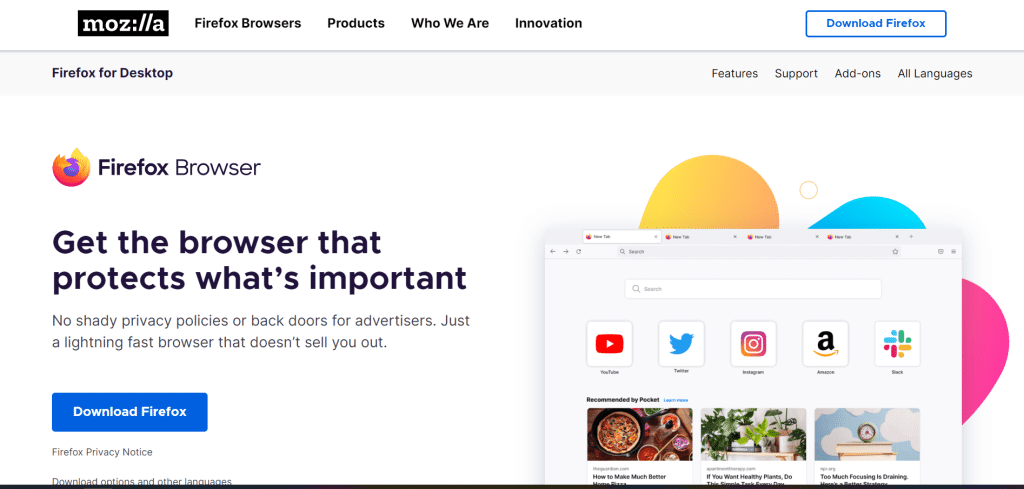
There are two reasons why Firefox still tops the list for privacy-based browsing. The first is the tracker blocking system — Enhanced Tracking Protection runs by default, stopping social media trackers, cross-site cookies and fingerprinting scripts without asking the user to configure anything. The second is the Android version, which is extensible. No other mobile browser will match that. Running uBlock Origin on a phone browser is just not something Chrome users can do.
Firefox is free and open-source software from the early days of the Mozilla project. Monthly security releases keep it up-to-date, and the extension library at addons.mozilla.org covers all the common browser add-ons. For users who are concerned about what their browser does with their data, Firefox is still the easiest choice.
Brave
Brave does it differently: it’s built on Chromium — the same base as Chrome — so every Chrome extension will work, every site will render properly, and there is no adjustment required to move from Chrome. What Brave adds is Shields, which is a built-in blocker that cuts ads and trackers at the network level, before the browser even processes the page. Pages load faster as a result. The fingerprinting protection is more aggressive than Firefox’s by default.
Users looking for Chrome’s compatibility without the data collection make Brave the most practical switch.
OFFICE AND PRODUCTIVITY
LibreOffice
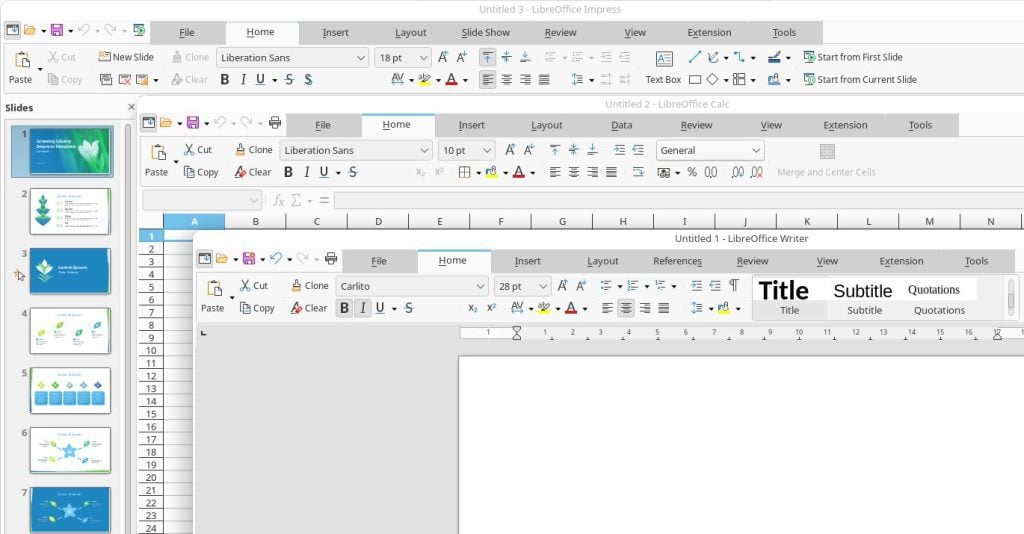
LibreOffice has one of the best underrated free software stories of the last fifteen years. The suite — Writer for documents, Calc for spreadsheets, Impress for presentations, and several others — does the things that Microsoft Office does, reads and writes Office file formats, and costs nothing. That summary undersells it.
Writer handles styles-based formatting, mail merge, track changes and long documents with hundreds of pages without breaking. Calc handles pivot tables, complicated chains of formulas, and chart generation in a way that covers everything outside of really advanced Excel work. Impress isn’t PowerPoint, and anyone switching from PowerPoint will notice the difference in the depth of animation and design tools — but for straightforward presentations it does the job.
The format compatibility with .docx and .xlsx is good enough for most workflows. Where it shows strain is in heavily formatted documents with complicated tables and embedded objects, where layout can change from application to application. For users who work mainly within LibreOffice rather than exchanging files all the time with Office users, that limitation doesn’t seem to show up much.
Notion (Free Tier)
Notion’s free tier provides individual users with an unlimited personal workspace where notes, databases, task lists, wikis, and project pages can co-exist in one place. The block-based structure means the user decides how to organize things — a reading list as a database, a project plan as a kanban board, a research collection as linked pages. There’s no one right way to use it, which means it takes longer to set up than a traditional note-taking app, but it pays off for users who take the time to develop a system that works for the way they think.
The free tier has some collaboration restrictions and certain workspace features are removed but for personal use it doesn’t feel limited.
SECURITY AND PRIVACY
Bitwarden
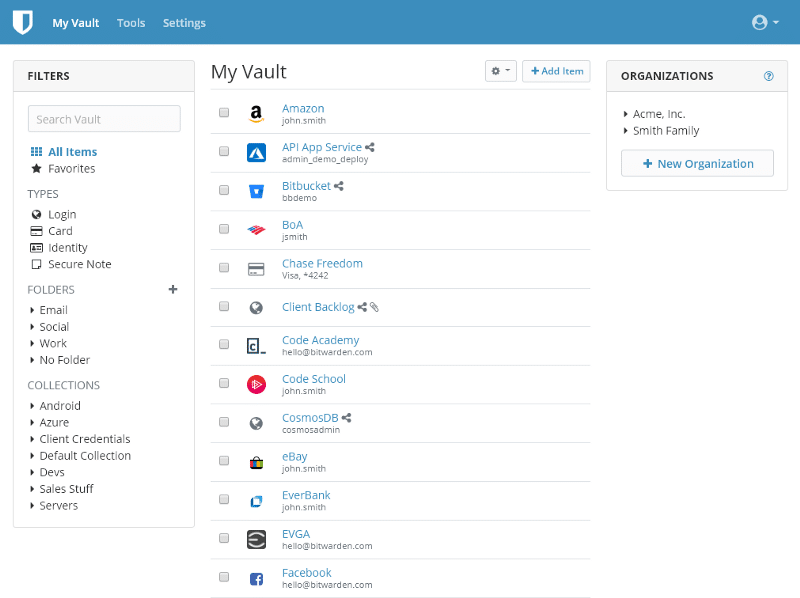
The case for Bitwarden is easy. It stores unlimited passwords, syncs across unlimited devices, offers two-factor authentication, and it costs nothing. The codebase is open source and has been independently audited. Every other password manager either charges for multi-device sync or has too many limitations on the free tier to make it practical as a daily driver.
The $10 per year premium upgrade includes a built-in one-time code generator, hardware key support, and encrypted file attachments. Most users find the free tier does everything they need. For anyone who is not using a password manager yet, Bitwarden is where to start — the combination of capability, transparency, and zero cost is truly unmatched in the category.
Malwarebytes Free
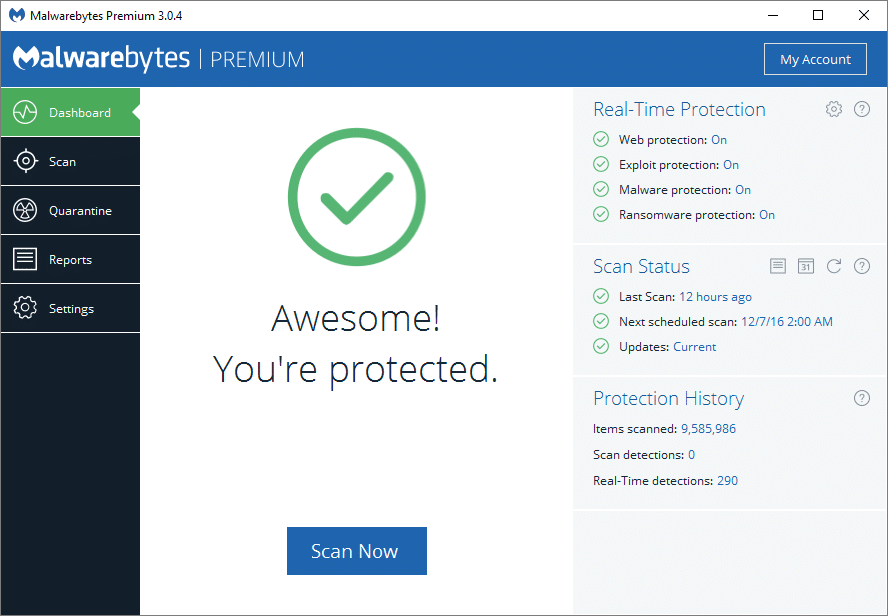
Malwarebytes Free does not replace an antivirus. It runs alongside one. The particular use case here is cleaning an infected machine — removing threats that a primary scanner missed, or stripping out adware and browser hijackers that antivirus tools historically underperform on. For that job, the free version does it well.
Windows Defender
Built into Windows 10 and 11 free of charge, Windows Defender is now in competitive ranges with major paid antivirus products in AV-TEST and AV-Comparatives evaluations. A few years ago that would have been a surprising sentence. It’s not surprising anymore. For most Windows users, Defender, in combination with sensible browsing habits, is enough to cover the threat surface adequately and no third-party product is needed.
IMAGE EDITING AND GRAPHICS
GIMP
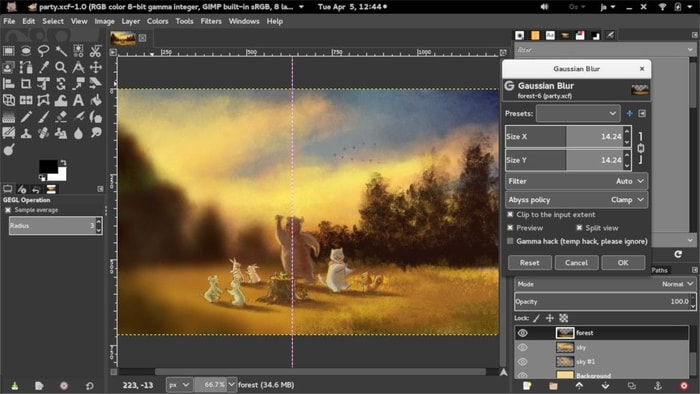
GIMP 3.0, released in 2024, fixed the interface complaints that had been following the application for years. The GTK3 update tidied up the visual inconsistencies, color management improved significantly and the overall experience feels less like working around the limitations of the software. The basic functionality — layers, blend modes, the Healing and Clone tools, Curves and Levels, filters, batch scripting — was never the issue. The learning curve and the dated feel of previous versions drove users to paid alternatives.
On Windows and Linux in particular, GIMP is the most able free pixel editor available. The situation is similar on macOS, but the native port has historically lagged behind the Linux one in terms of responsiveness. Users who are willing to spend a few hours learning the tool instead of transferring Photoshop muscle memory onto it find a truly capable image editor that can handle most of the editing work in the real world without compromise.
Inkscape
Inkscape handles the drawing of vector — logos, icons, illustrations, diagrams, SVG graphics for the web — as a free alternative to Adobe Illustrator. The Bezier pen tool, node editing, path operations, text on paths, and gradient handling cover the workflow vector designers use on a daily basis. The 1.x releases improved the rendering performance significantly, so that the application became responsive on modern hardware in a way that it had not in the past.
The SVG format is Inkscape’s native format and also the web standard for vector graphics, which means files move between Inkscape and web development workflows without conversion.
Darktable
Darktable is what Lightroom would look like if it were designed by people who gave a shit about color science and not a shit at all about onboarding simplicity. The color calibration module takes care of white balance using a perceptually accurate color space model. The tone equalizer makes tonal adjustments based on exposure zones rather than the split between highlights, midtones, and shadows as simpler tools do. The masking system provides the possibility of parametric masking based on color, luminance, and drawn regions in combination.
Getting to that capability requires real investment. The interface is denser and the documentation assumes a degree of photographic and technical knowledge. Photographers that make that investment gain a RAW processing pipeline that rivals Lightroom at every technical level, running on Windows, macOS, and Linux completely free.
VIDEO AND MEDIA
DaVinci Resolve (Free)
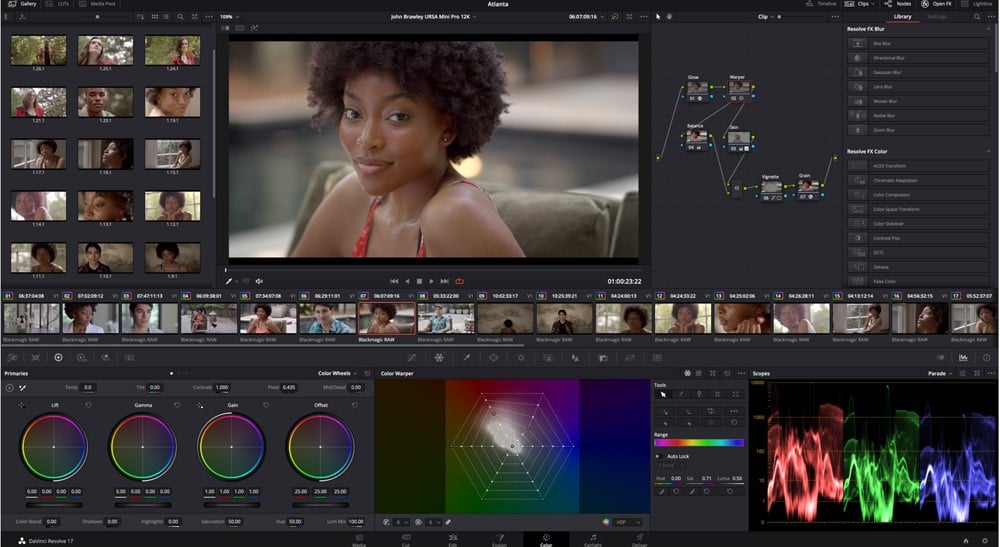
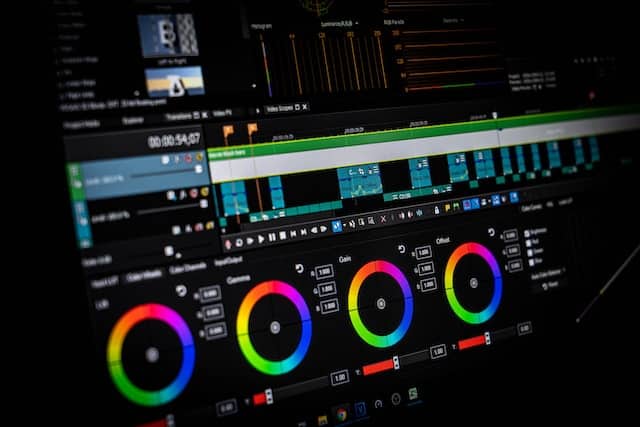
The free tier of DaVinci Resolve comes with a professional multi-track video editor, a node-based color grading environment used by working colorists on commercial productions, a compositing and motion graphics workspace, and a complete audio production suite. The $295 Studio version includes GPU-accelerated noise reduction and a few collaboration features. For individual creators and small production companies, the free tier offers everything they need without hitting a wall.
The color grading tools are the best one can get at any price — that’s not a comparison to free alternatives, it’s a comparison to paid competitors including Premiere Pro and Final Cut Pro. That one component alone would make learning the application worth its while to any editor who works with footage that requires careful color treatment.
VLC Media Player
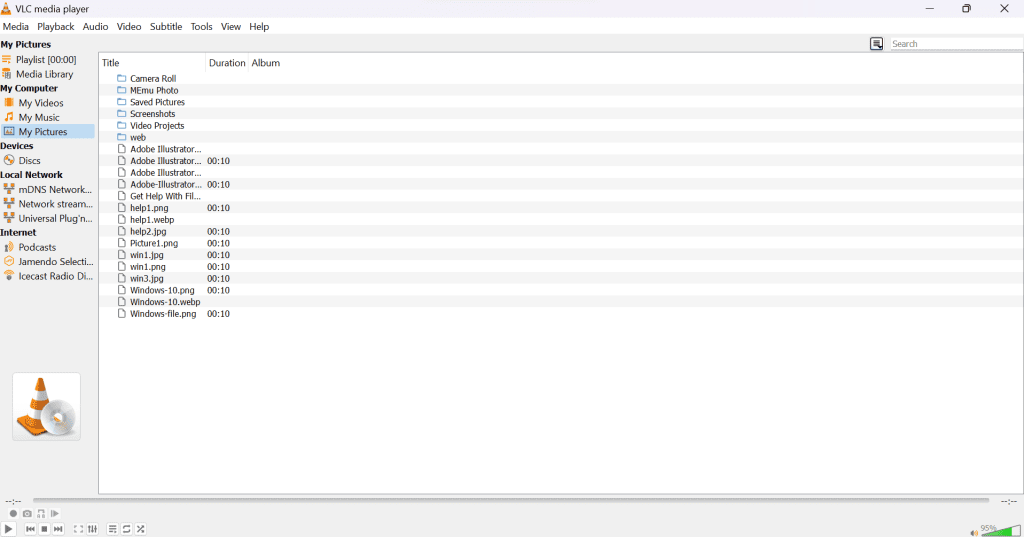
VLC plays everything. MKV, MP4, AVI, HEVC, FLAC, MP3, DVD, Network streams — no codec installation, no research on format support, no checking for compatibility. It is available on Windows, Mac, Linux, Android, and iOS. It has no advertising and requests nothing. VideoLAN has kept it as a free open source project for more than 20 years.
For anyone that has spent time troubleshooting codec errors in other media players, VLC is the answer that ends that conversation for good.
OBS Studio
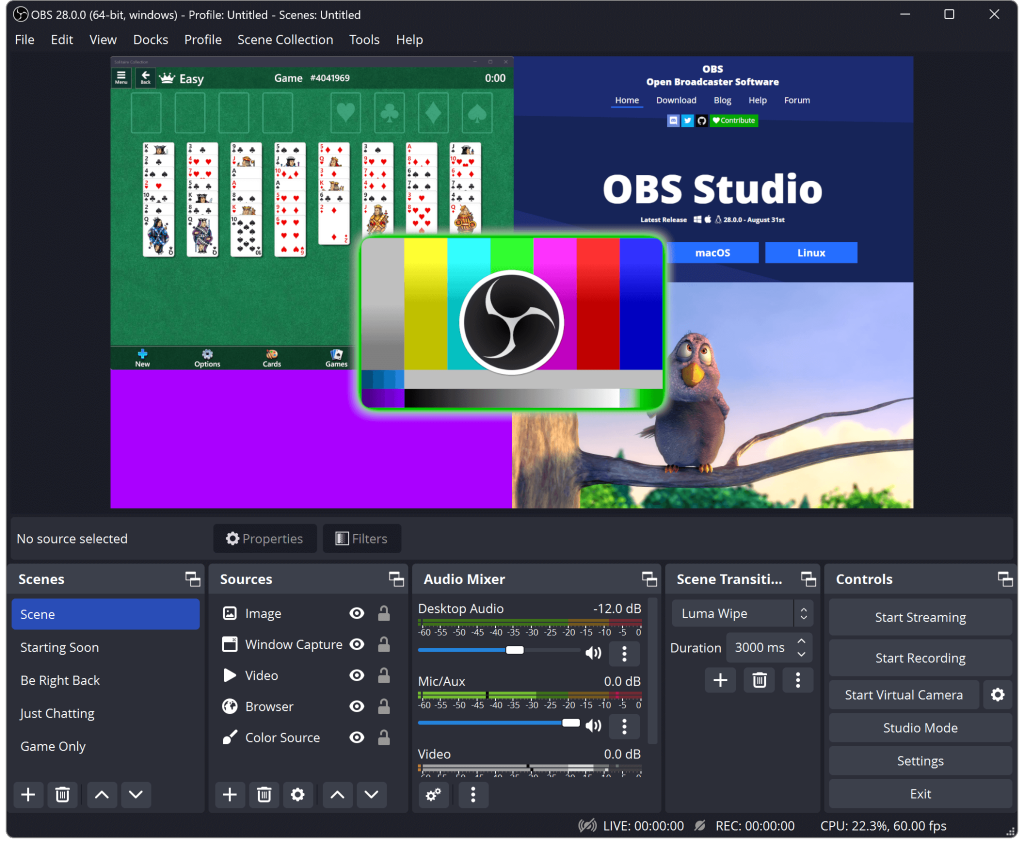
OBS Studio is what professional streamers use to capture gameplay, mix webcam and desktop sources, add overlays and scene transitions and send the result to Twitch, YouTube or local recording. It’s also what journalists use to record interviews, it’s what teachers use to record lectures, it’s what anyone building a home studio uses as the switching and recording engine.
The Scene system allows users to create multiple source configurations and switch between them. The virtual camera output directs OBS’s mixed video to video call applications as a webcam. The plugin library enhances it with browser source support, moving overlays, alert integrations and dozens of production tools. All of it is free.
Audacity
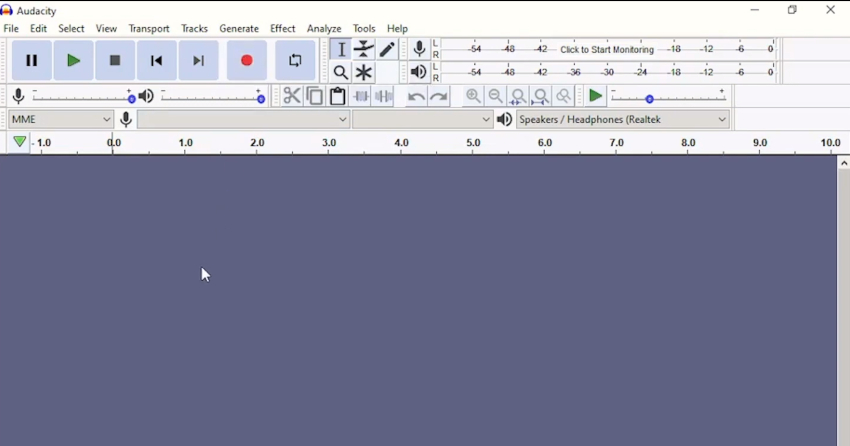
Audacity records from any microphone or audio interface, edits audio on a multi-track timeline and exports to MP3, WAV, FLAC and other formats. The noise reduction tool eliminates ambient room noise by profiling a section of the recording where there is no sound and then subtracting the profile from the entire recording. Compression, EQ and normalization occur in an effect chain.
Podcasters use it. Musicians record demos with it. Voiceover artists edit their takes in it. The interface is utilitarian and the workflow requires learning, but for the price — which is zero — the capability is hard to argue with.
DEVELOPMENT AND Technical Tools
Visual Studio Code
VS Code is the most commonly used code editor in the world, which means that it is a self-reinforcing system of extensions: if a language, framework or tool has a VS Code extension, it is likely to be well-kept, because it will justify the investment in maintaining the extension. Language support, debuggers, linters, formatters, Git integration, and terminal access is all available from the same window. Microsoft provides it for free under an open source license, produces binary distributions for Windows, macOS and Linux and updates it once a month.
Python
Python runs for free on everything. In 2026 it covers data science, machine learning, scripting, web development and automation better than any other single language, which is why it’s the first language most people learn and the working language of most data professionals. The pip package manager allows you access to libraries such as NumPy, pandas, TensorFlow, Flask and tens of thousands of other libraries. The syntax is readable enough that going back to a Python script written months ago doesn’t require one to reverse engineer one’s own work.
COMMUNICATION
Signal
Signal uses the Signal Protocol to encrypt all messages, calls, and file transfers end-to-end. It doesn’t collect any user information other than a phone number to create an account. It is funded by donations rather than advertising by the nonprofit Signal Foundation. The codebase is open source and can be independently reviewed for security.
WhatsApp uses the same encryption protocol for messages but doesn’t extend those protections to metadata. Signal encrypts both. For users that desire private communication, Signal is the best choice on the market regardless of cost.
Discord
Discord offers voice, video, and text communication for free in servers based on topic channels. The free tier includes unlimited servers, unlimited channels, voice calls, and file sharing. Communities that are built around games, open source projects, creative fields, and shared interests are built around the use of Discord because the combination of persistent history, organized channels, and voice rooms handle group communication far better than any predecessor platform did.
FILE MANAGEMENT and Utilities
7-Zip
7-Zip compresses and extracts the ZIP, 7z, TAR, RAR and dozens of other archive formats, completely free and open source. WinRAR and WinZip are paid applications that perform the same function. The 7z format compresses files much smaller than ZIP, at the same quality setting. The integration with Windows Explorer takes care of the operations on archives from the right-click menu without opening a separate application.
Everything
Everything, from voidtools, indexes all files and folders on Windows NTFS drives and provides search results as soon as the user types. A search of hundreds of thousands of files takes milliseconds. Windows Search, for file location tasks, takes seconds to minutes on large drives. Everything runs as a lightweight background service using negligible RAM and is installed in under a minute.
Anyone using Windows on a regular basis and not using Everything is doing file search the hard way.
FINAL NOTE
The free ones in a number of categories aren’t compromises. Bitwarden is superior to most paid password managers. DaVinci Resolve’s color tools trounce any paid alternative. Signal is more private than any paid messaging app. VS Code is better than paid editors on the metrics that daily development work requires.
Free software got better because the business models that support it matured. Open-source development, nonprofit funding, and freemium models where a small number of users pay for the majority’s free access — these models have produced software that is serious competition to commercial alternatives. In 2026, the question isn’t if free software is good enough. In a number of categories, the question is why anyone pays for the alternative.
THE FULL LIST AT A GLANCE
Browsers: Firefox for privacy and depth of extensions, Brave for Chrome compatibility without the data collection. Office: LibreOffice for entire suite, Notion for flexible personal organization. Security: Bitwarden for passwords — nothing else compares on the free tier — Windows Defender as the baseline antivirus on Windows, Malwarebytes for cleaning infected machines. Images: GIMP for pixel editing, Inkscape for vectors, Darktable for RAW photo processing. Video and audio: DaVinci Resolve for editing and color, VLC for playing, OBS Studio for recording and streaming, Audacity for audio editing. Development: VS Code as the editor, Python first language to know and the one most worth knowing. Communication: Signal for private messaging, Discord for community and group communication Utilities: 7-Zip for archives, Everything for file search on Windows
None of these applications require payment to use for their core use. Several of them are the best choice in their category whatever their price. That combination — real capability at no cost — is what free software looks like in 2026.
One thing that’s worth adding: free software isn’t a static category. Applications come and go in and out of it as business models change. Evernote, which used to be the standard recommendation for free note-taking, gradually began to limit its free service until it became effectively no longer a free product. That can happen to any application here. Notion has already increased the limits of its free tier once. The underlying principle — find tools that solve your actual problems, verify the free tier covers your use case before committing your data to them, and keep an eye on how the business model evolves — holds for every recommendation on this list and for any decision about free software in the future.