Linux Graphics Apps
12
Programs

Maxon CINEMA 4D 2027.0.0
Maxon CINEMA 4D is a professional 3D application for modeling, animation, simulation, lighting, rendering, and motion-graphics work.

OrcaSlicer 2.4.2
OrcaSlicer arranges models, applies local support and seam choices, calibrates printer variables, and previews generated filament toolpaths before…
GIMP 3.2.6
GIMP offers comprehensive image editing tools for drawing, design, photo retouching, and supports multiple file format
Sweet Home 3D 7.5.17
Sweet Home 3D is a free interior design application that helps you place your furniture on a house…
RocketCake 7.4
RocketCake is a free visual website builder for Windows, macOS, and Linux that creates responsive pages without requiring…
Corel AfterShot Pro 3.7.0.446 Update 7
Corel AfterShot Pro manages and processes RAW, JPEG and TIFF photographs on Windows, macOS and Linux. Non-destructive variations,…
Autodesk MotionBuilder 2026.1
Autodesk MotionBuilder creates and edits 3D character movement on Windows and Linux through motion capture mapping, control rigs,…
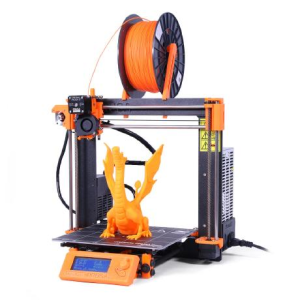
PrusaSlicer 2.9.6
An open-source 3D-printing slicer for arranging models, generating supports, configuring materials, previewing toolpaths, and exporting printer instructions.

KiCad 10.0.5
An open-source electronic design suite for schematics, printed circuit boards, component libraries, design-rule checks, simulation, and manufacturing outputs.
Inkscape 1.4.4
Free, open-source vector graphics editor built around the W3C SVG standard, with path, node, and text tools plus…

Pencil2D 0.7.2
Pencil2D is a free, open-source 2D animation tool for creating and editing cartoons on multiple platforms.

Blockbench 5.1.6
Blockbench is a simple 3D model editor where users build, paint, and animate using block shapes.